 outlineGo
Use case / indoors
Keep the dimensions.
Plan your room.
Capture a room outline on your phone, refine its dimensions and take a clear PNG into your next planning step. Follow a simple 5 × 4 m room example.
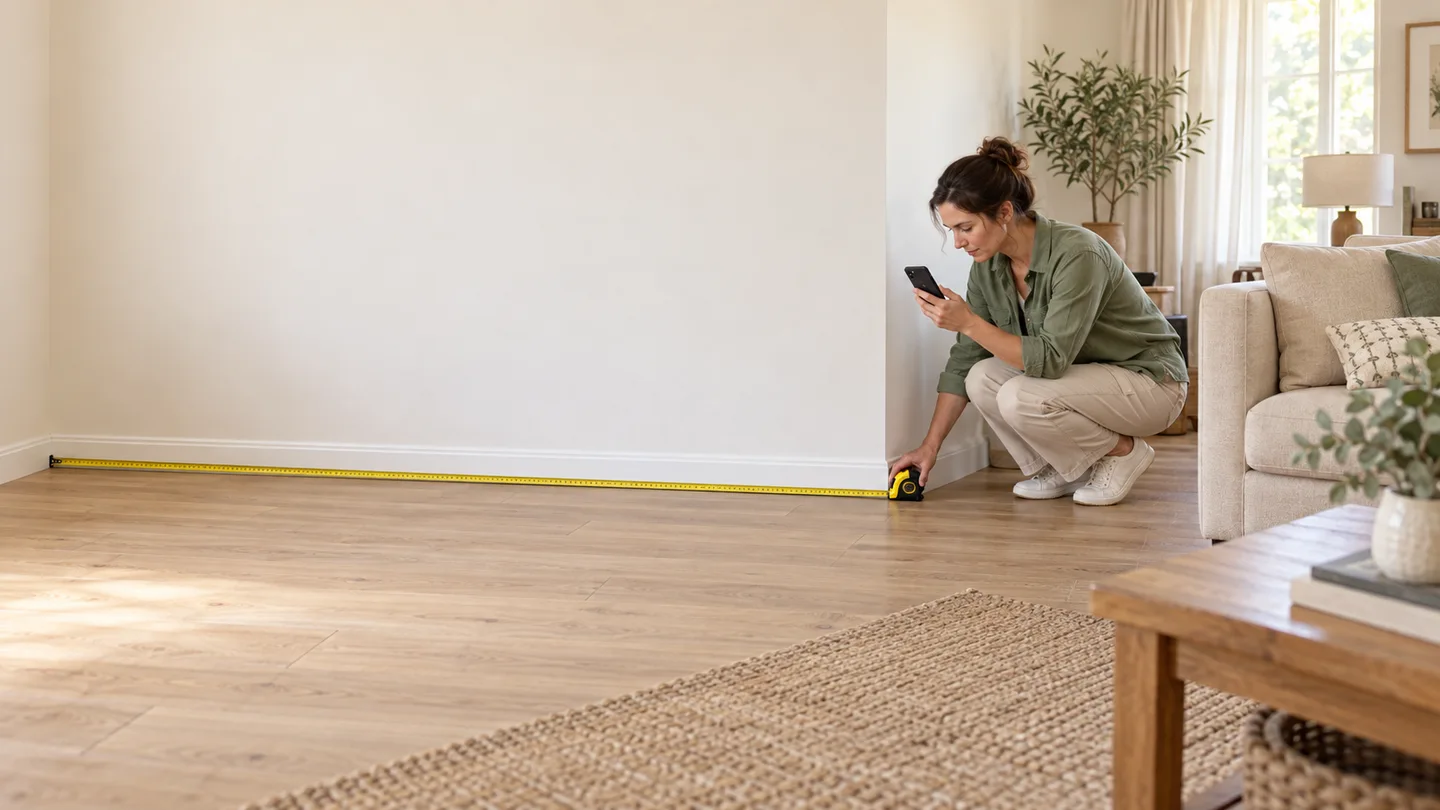
Choose how to measure
Direction from your phone.
Length from measurement.
In sensor mode, aim the camera at the next corner and capture the direction. You can estimate length with the step counter: Start → walk → stand still → Stop. For short sides and dimensions needed when buying furniture, check the length with a tape and enter it manually.
The camera is a viewfinder, direction comes from orientation sensors and step-based length is an estimate. Directions and lengths in the example below were entered manually so you can reproduce the outline.
Explore camera and step countingBefore the first side
- Choose the outline corners and their order.
- Save P1. For each side, set the direction before the length.
- Check the unit and preview before saving the point.
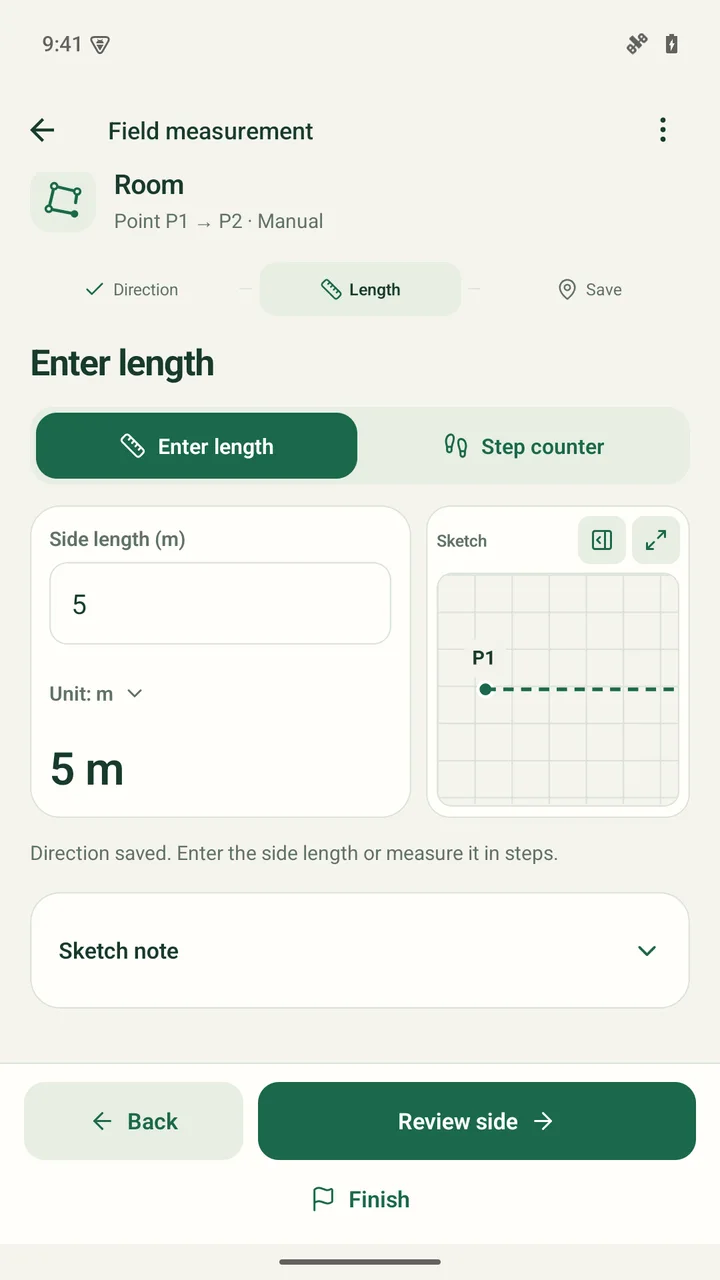
Start with a 5 m wall
Create a Room sketch and save P1. In this example, the first side defines 0°. Enter 5 m, check the preview and save the next point.
The next sides are 4 m and initially 4.8 m. Turn 90° in the same direction at the rectangle’s corners.
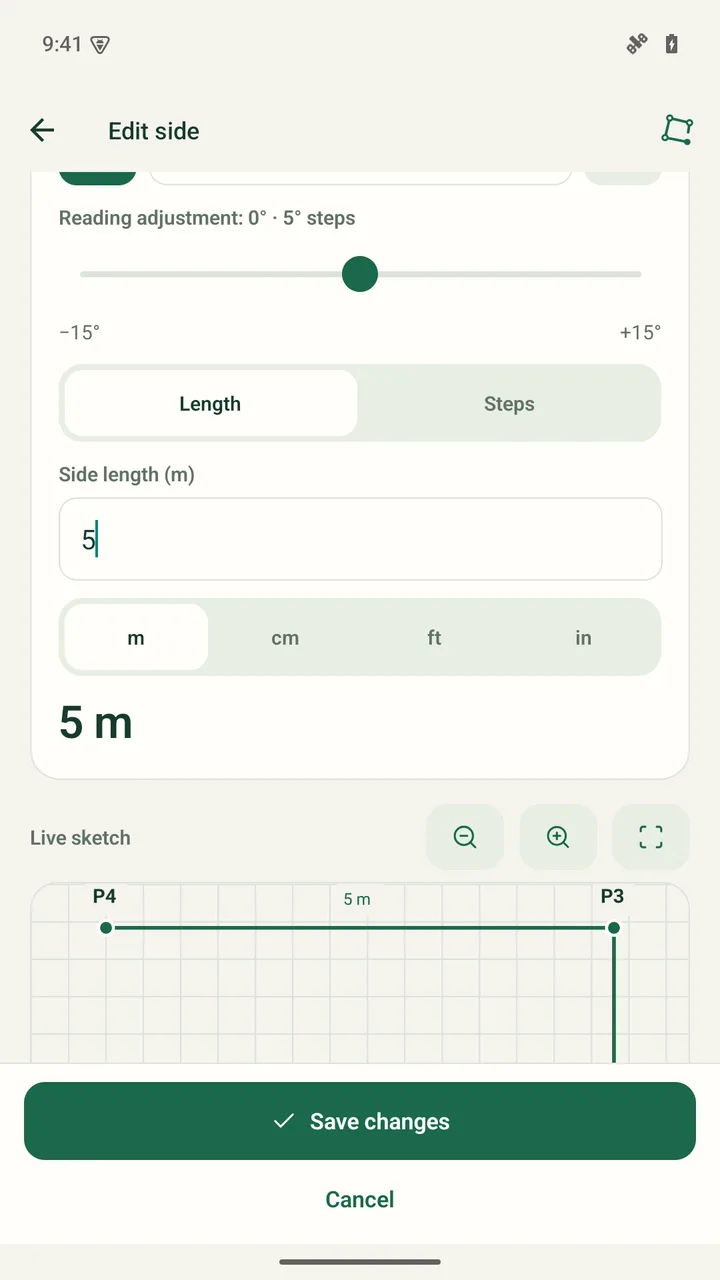
Correct a dimension without starting over
Open Dimensions and points. Change the third side from 4.8 m to 5 m and save the correction.
Changing a length recalculates subsequent points. Check the outline again; editing is not an additional measurement and does not automatically adjust other errors.
Close and check the outline
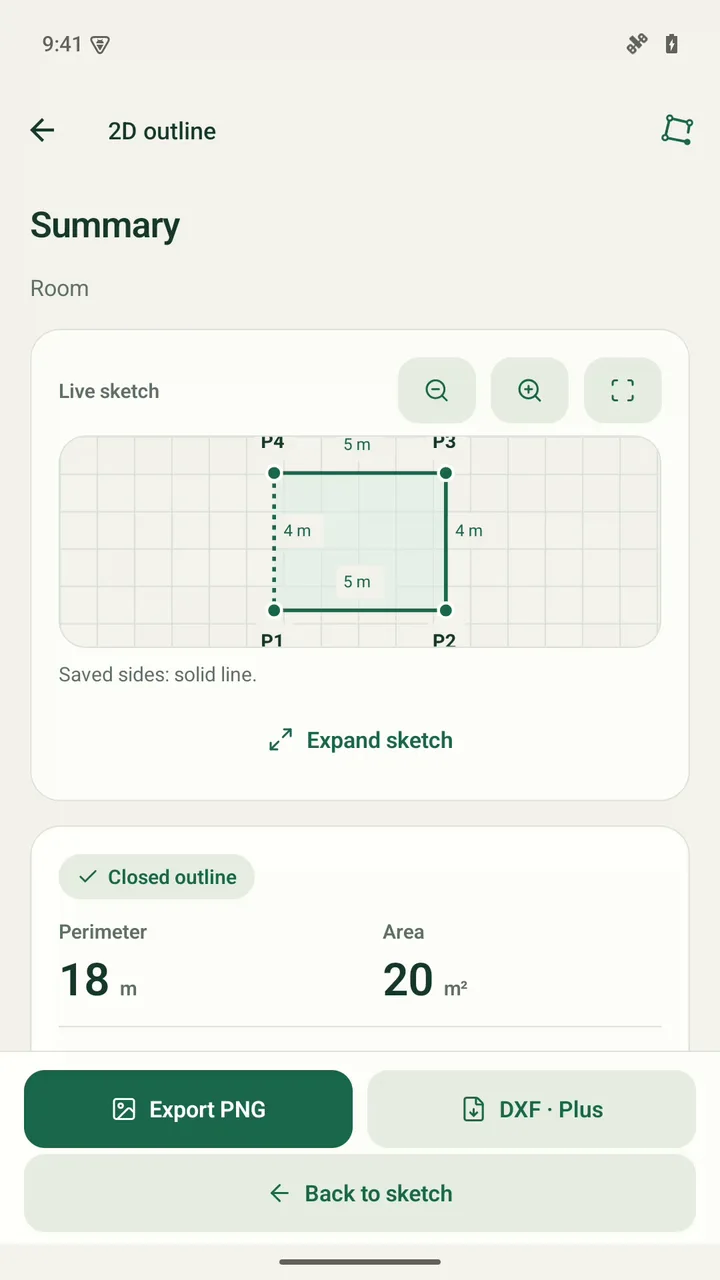
After three sides, close the sketch to P1. The fourth side is 4 m and is calculated. After correction, the result is an 18 m perimeter and 20 m² area.
Compare the sides with your own measurements. Calculated closure does not replace checking the last wall.
Result / PNG in Free
A plan you can
refer back to.
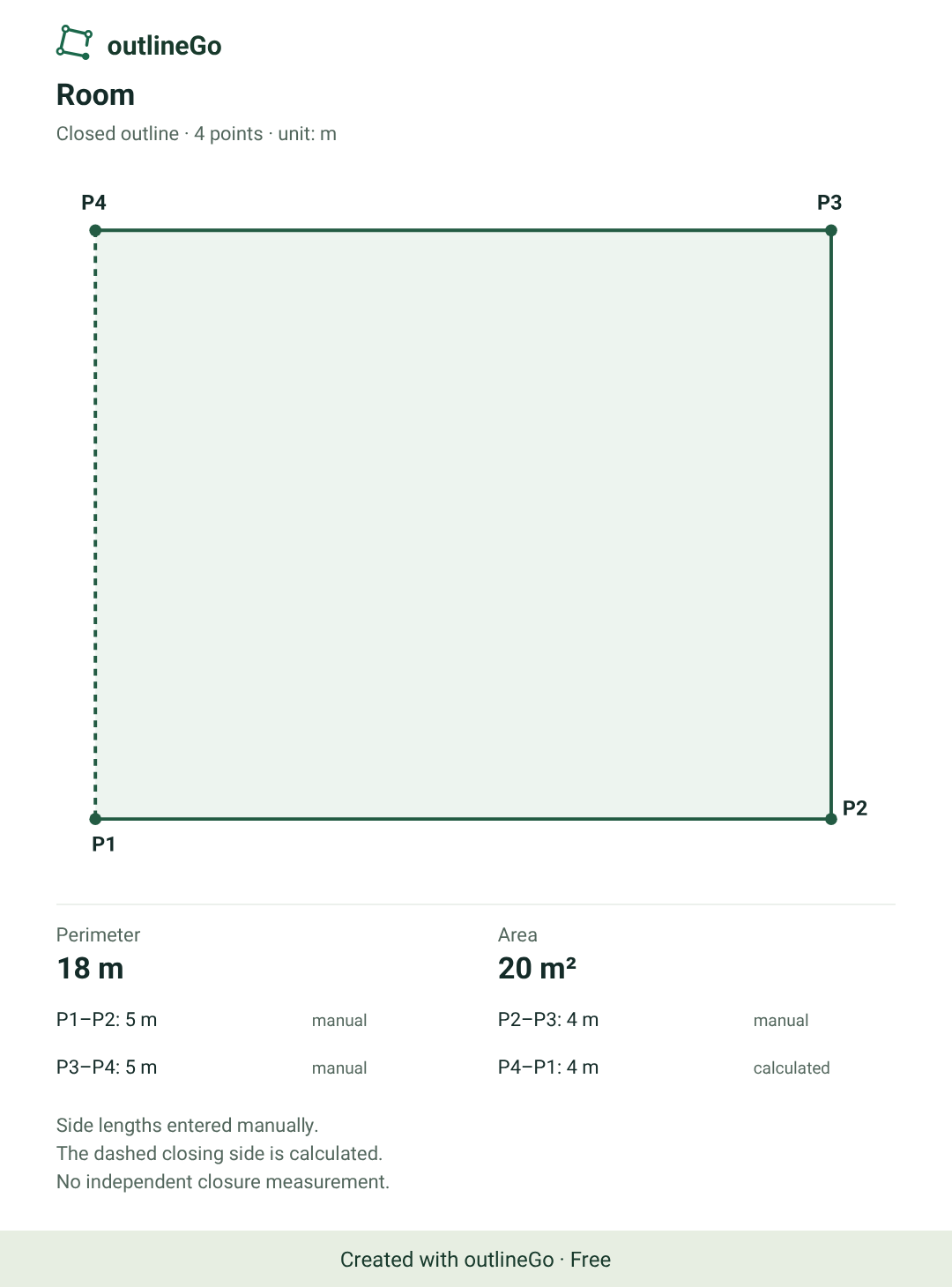
An outline for early planning
Keep the dimensions as a reference when discussing room layout. Before buying furniture, measure the required clearances, recesses and openings separately. This example shows the outline, not an interior design.
Room 5 × 4 m
18 m · 20 m² · PNG Free
Download the original PNGThe PNG retains its Free watermark. Exporting your own sketch to DXF requires Plus.
Watch the process / 1:12
From the first wall
to a finished PNG.
The illustration of a person measuring a room was generated. App screens and the PNG export are actual captures; the example dimensions were entered manually.
Video description and music
Room measurement illustration → new Room sketch → 5 m side → 4 m and 4.8 m sides → correct 4.8 to 5 m → calculated closure → 18 m perimeter, 20 m² area → PNG export.
Music: "Dream Culture" by Kevin MacLeod (incompetech.com). Licensed under Creative Commons Attribution 4.0 (CC BY 4.0): https://creativecommons.org/licenses/by/4.0/. Source: https://incompetech.com/music/royalty-free/index.html?isrc=USUAN1300046. Changes: 72-second excerpt, quiet volume normalization, 2-second fade-in and 4-second fade-out, AAC encoding.
outlineGo / Android
Your next plan
starts with an outline.