 outlineGo
Guide / Plus export
From phone to CAD.
Through DXF.
Take the outline, points and notes into separate CAD software. Below is an actual outlineGo export opened in LibreCAD 2.2.1.5.
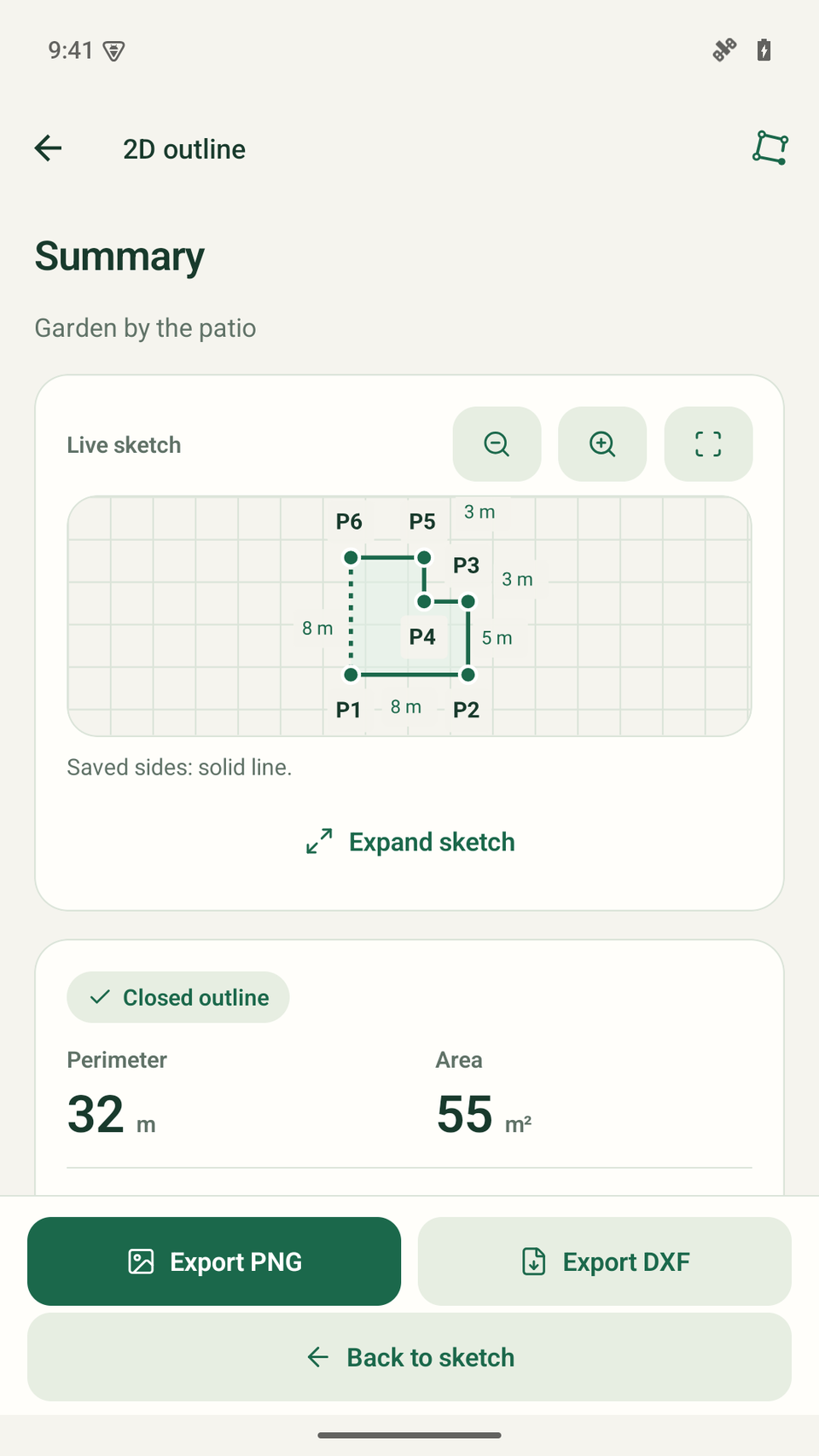
Choose DXF export in the summary
Open the finished sketch and check its lengths, unit and note. Choose Export DXF. This requires Plus; in Free, the button is labelled “DXF · Plus”.
The DXF contains 2D geometry and separate point and length text. It is not a DWG file or a backup of measurement history.
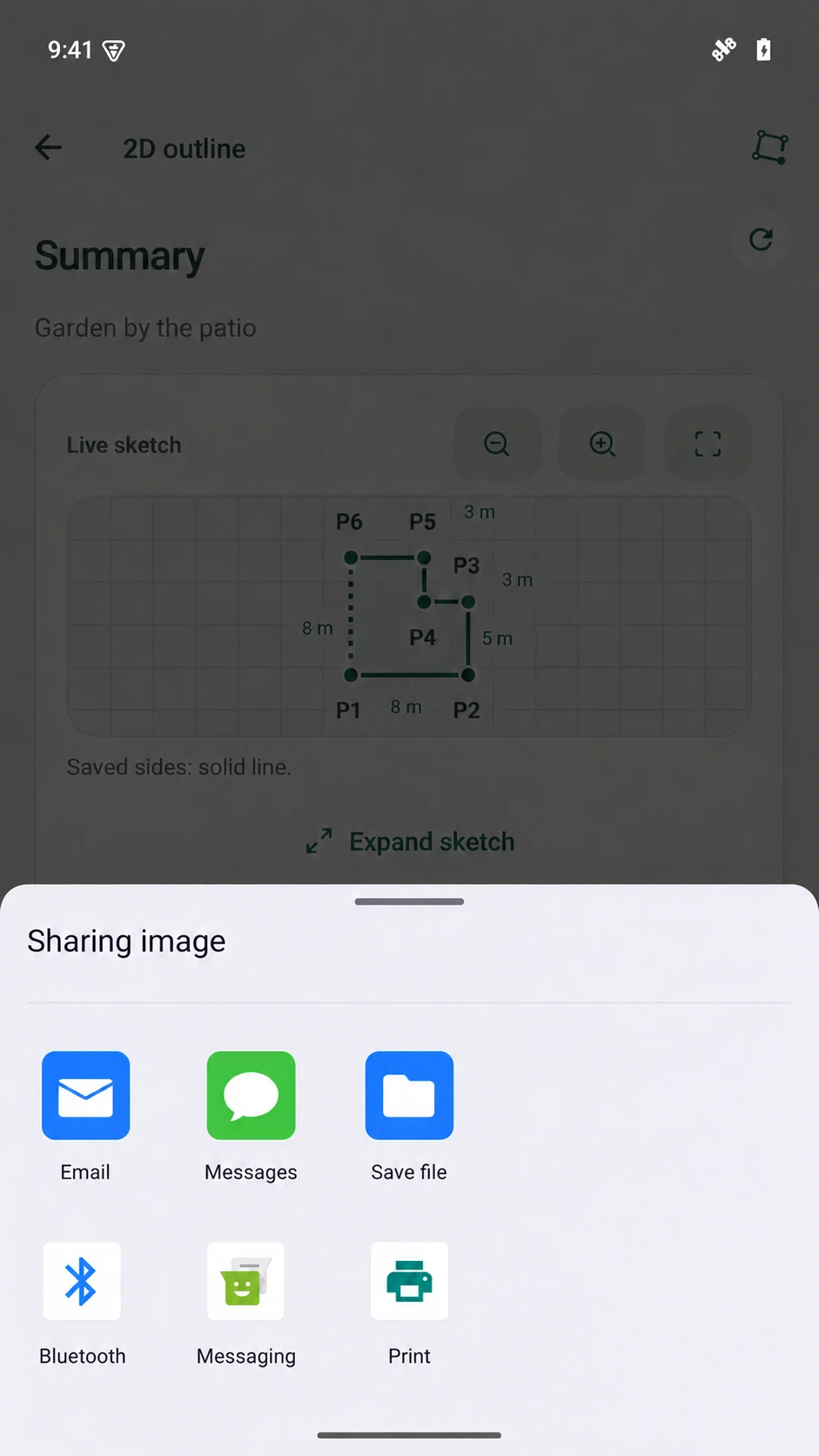
Save the file or move it to your computer
Android opens its system share sheet. Choose an available app to save or transfer the file, then make it available on your computer.
Destinations depend on the apps and settings on your phone. Make sure you are transferring a .dxf file; a screenshot or PNG cannot replace it.
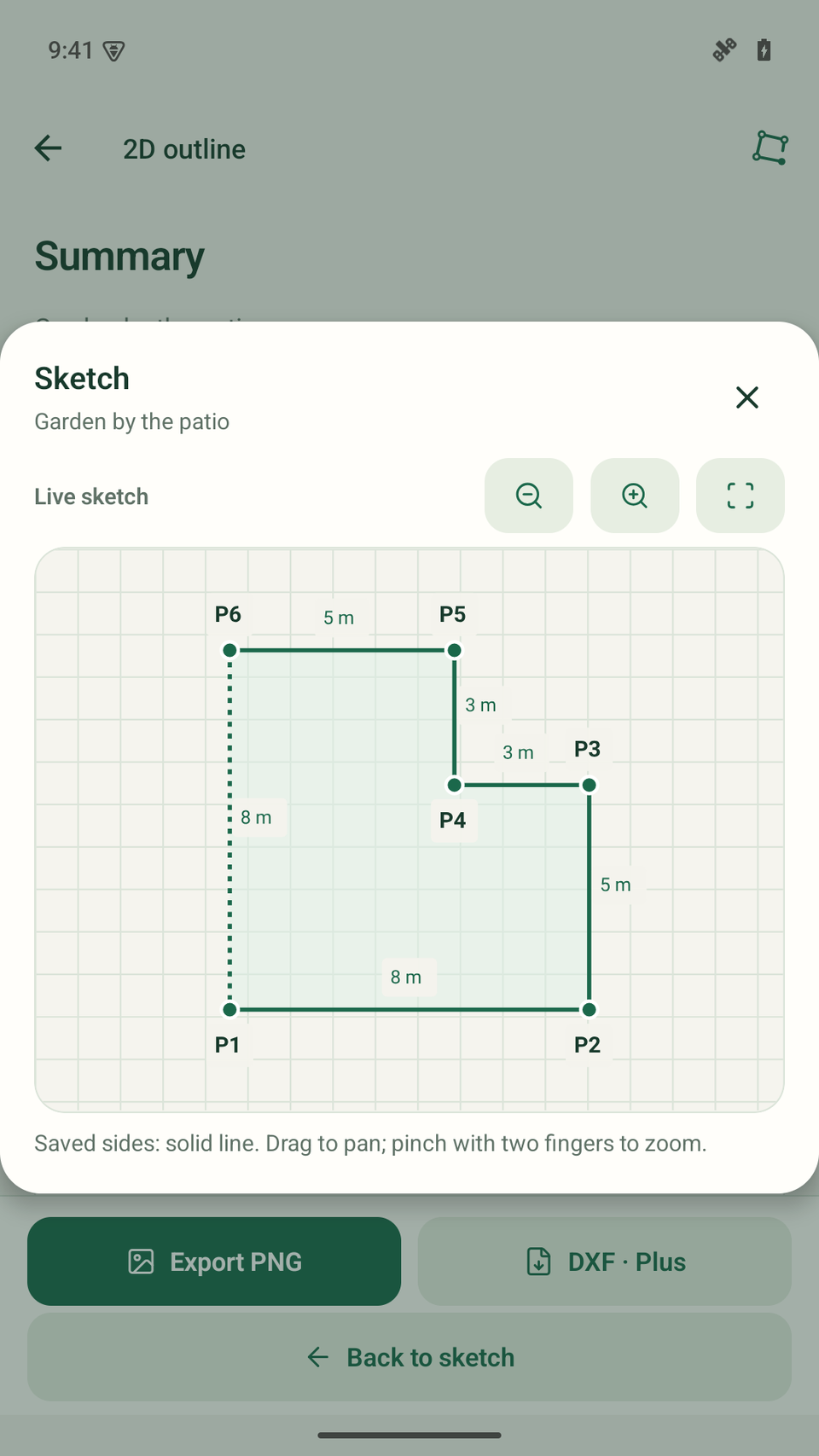
03 / open and compare
The same outline.
A separate program.
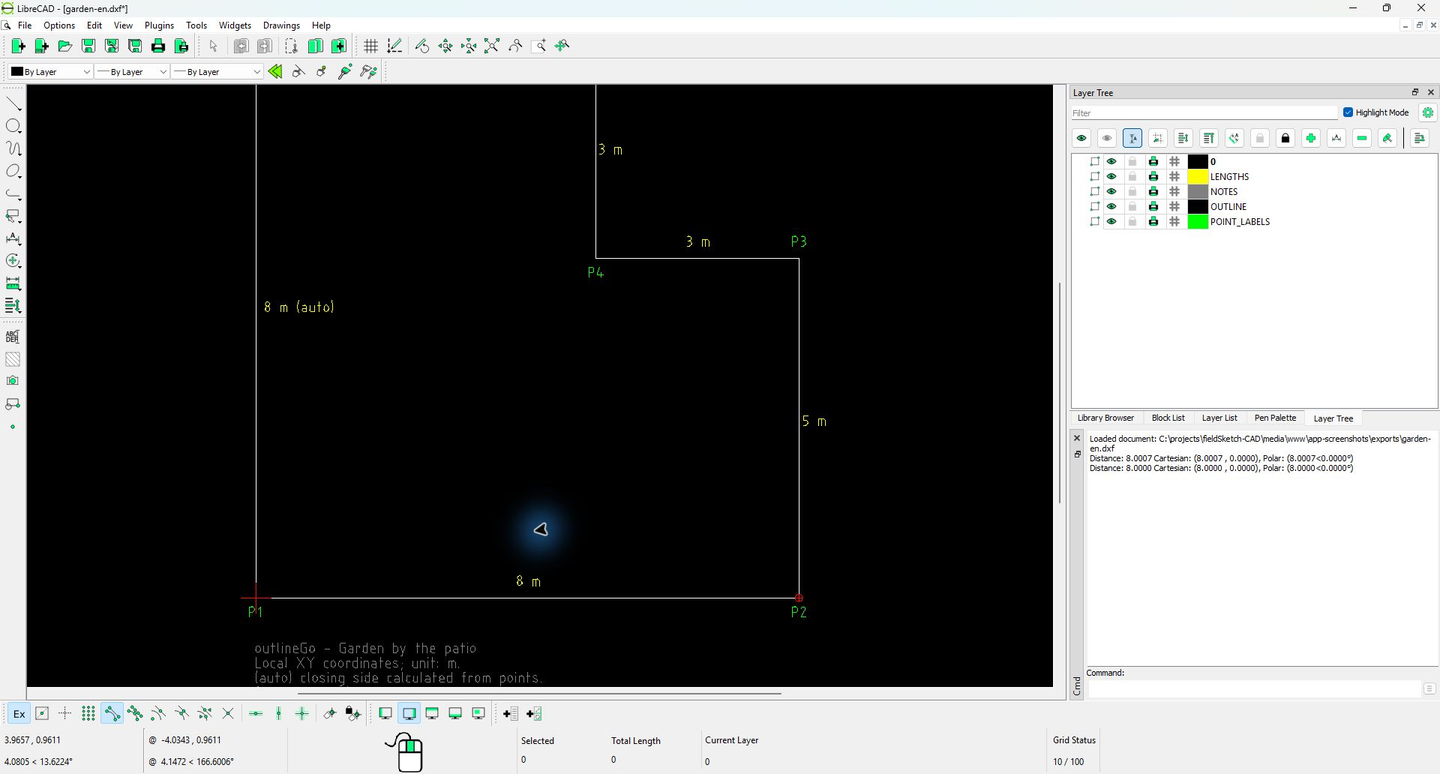
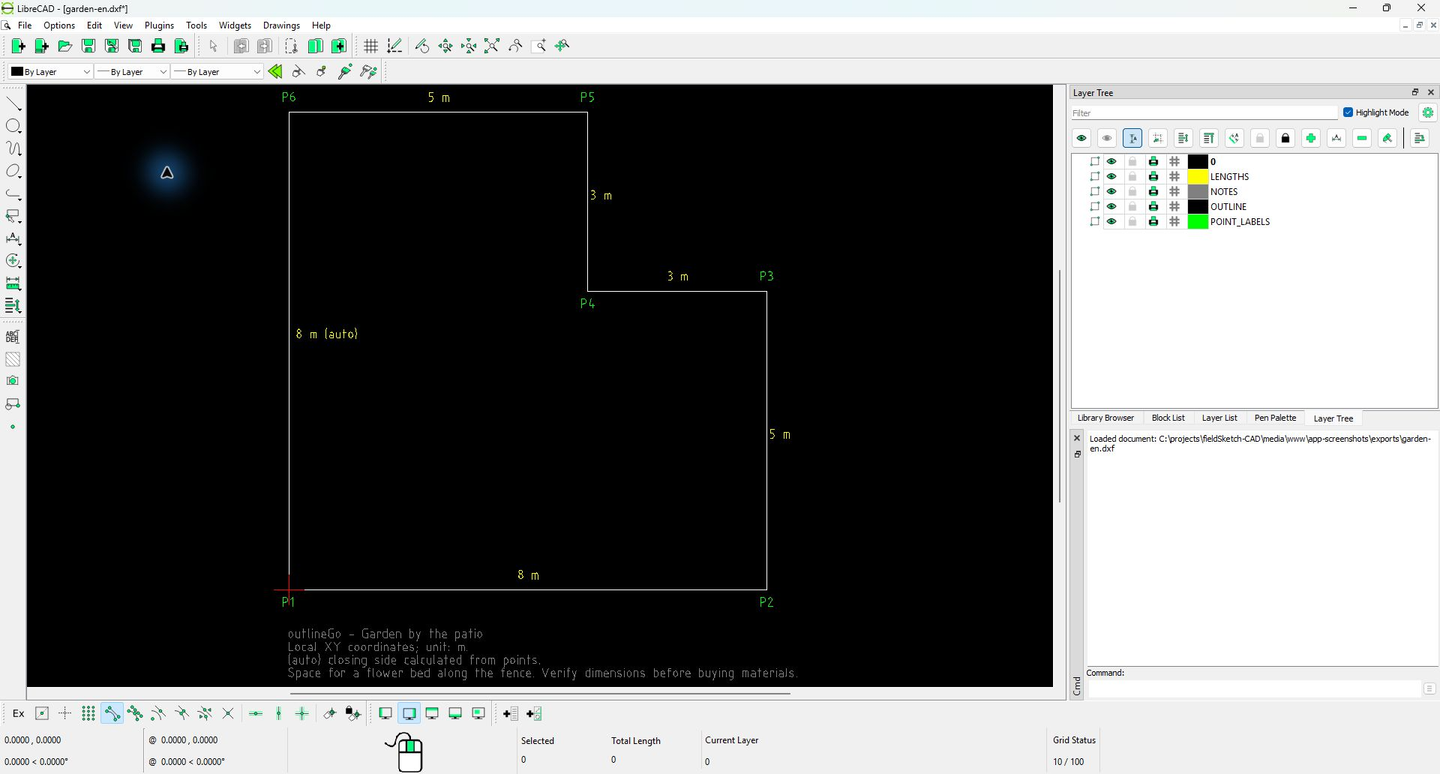
04 / check scale and contents
Check the unit.
Then keep working.
This file uses metres. After import, measuring the geometry endpoints of P1–P2 gives 8.0000 m. The “8 m” text label alone is not a scale check.
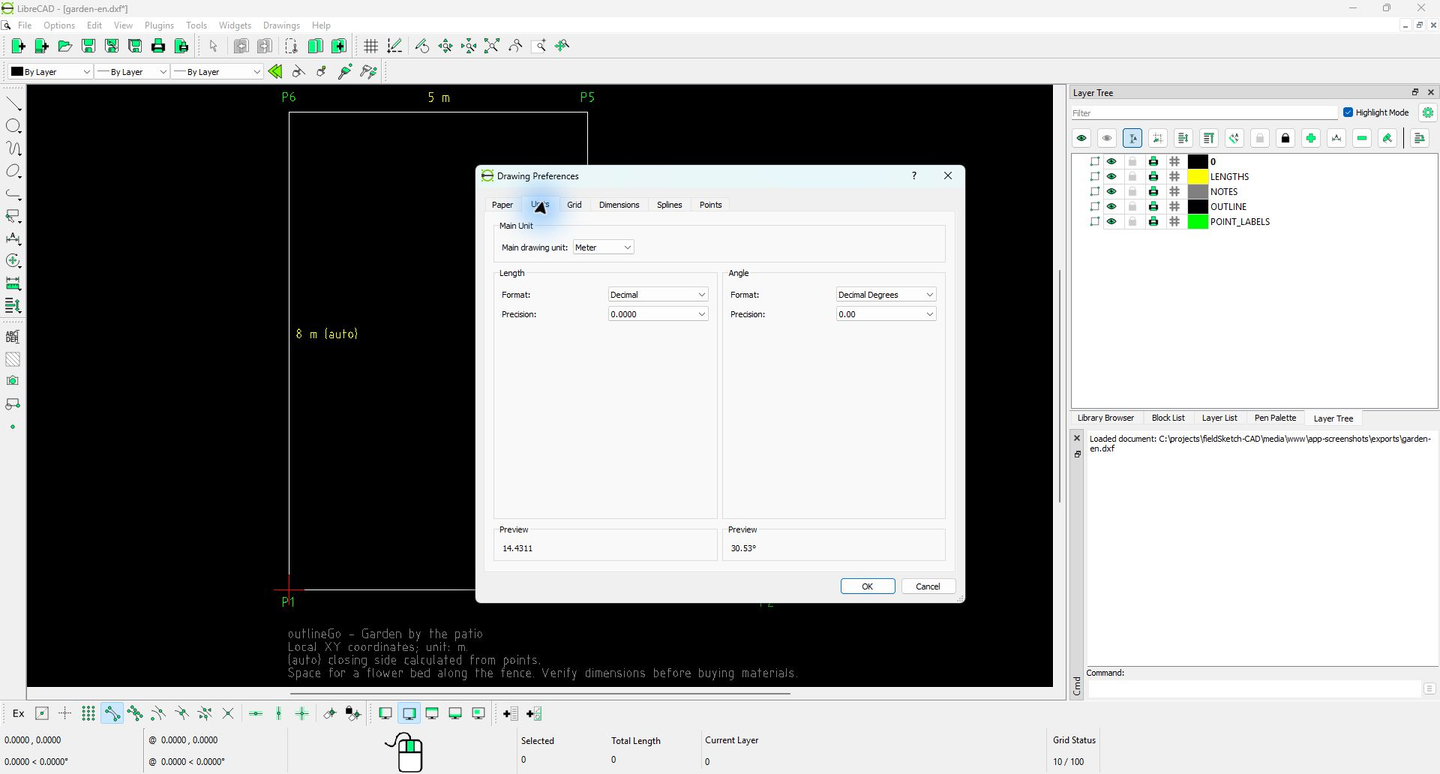
OUTLINE
The outline as a 2D polyline.
POINT_LABELS
Point labels P1–P6.
LENGTHS
Length labels as separate text.
NOTES
The sketch name, unit and note.
Length labels are not associative CAD dimensions: after editing geometry in CAD, you may need to update the labels manually.
Download the example
Garden by the patio
6 points · 32 m perimeter · 55 m² · unit: m
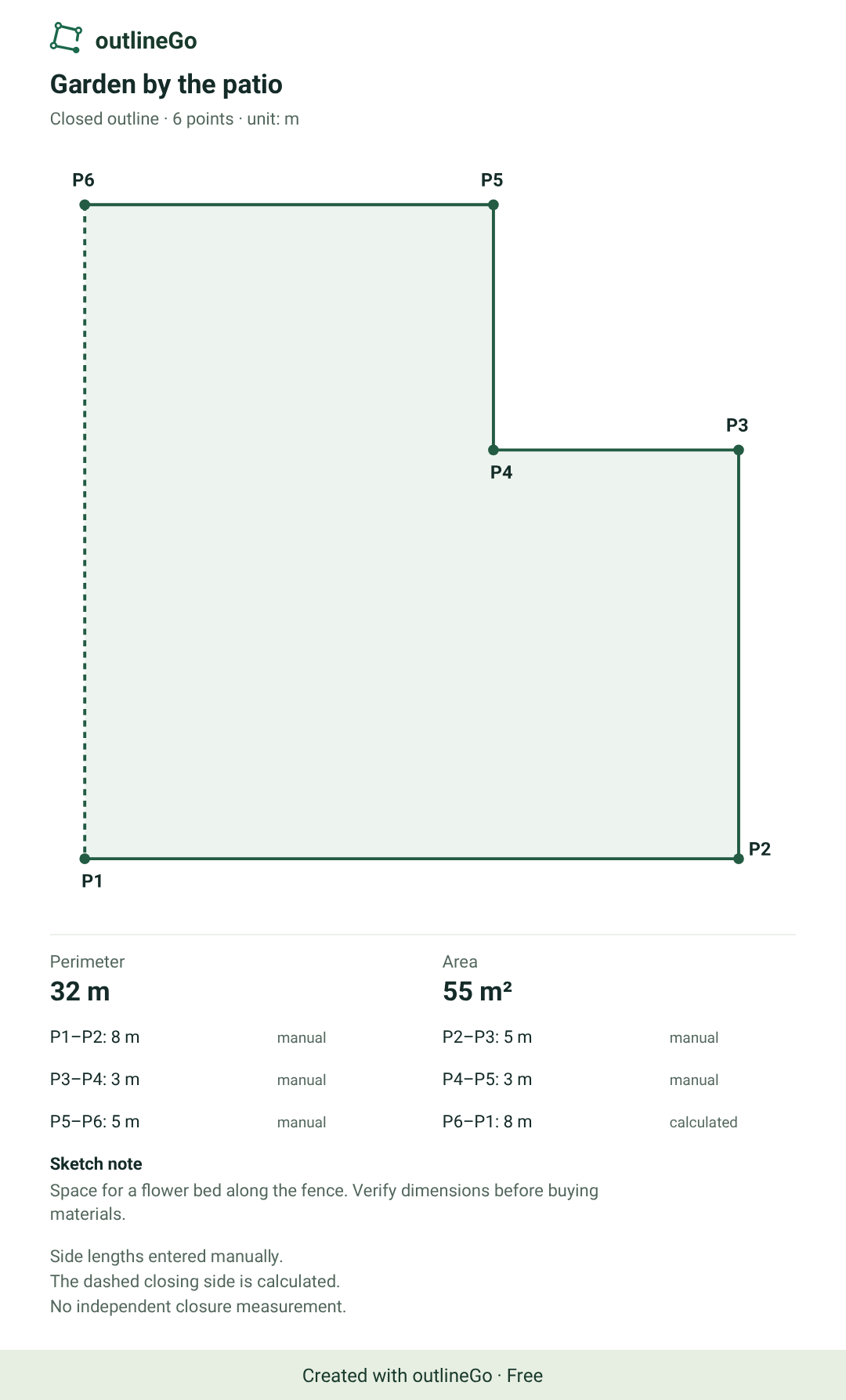
The PNG is an original export with the Free watermark. You can download the sample DXF without a purchase; exporting your own sketches to DXF requires Plus.
Example: outlineGo 1.0.0, AutoCAD 2000 DXF (AC1015), local XY coordinates, unit m. Checked in LibreCAD 2.2.1.5.
DXF questions
Before you open the file.
Do I need Plus to open the sample file?
No. Download the sample and check it in compatible CAD software. Plus is required to export your own outlineGo sketches to DXF.
Does outlineGo include desktop CAD software?
No. You choose and install CAD software separately. LibreCAD is shown as the program used to check this example.
Why is the closing side marked “auto”?
It is calculated between the last point and P1. It is not a separate measurement and does not adjust errors in other sides.
Why might Android describe the DXF as an image?
The system share sheet may use a generic image label for the DXF MIME type. The saved .dxf file determines the format, not the share sheet title.
outlineGo / Android
Your next plan
starts with an outline.