 outlineGo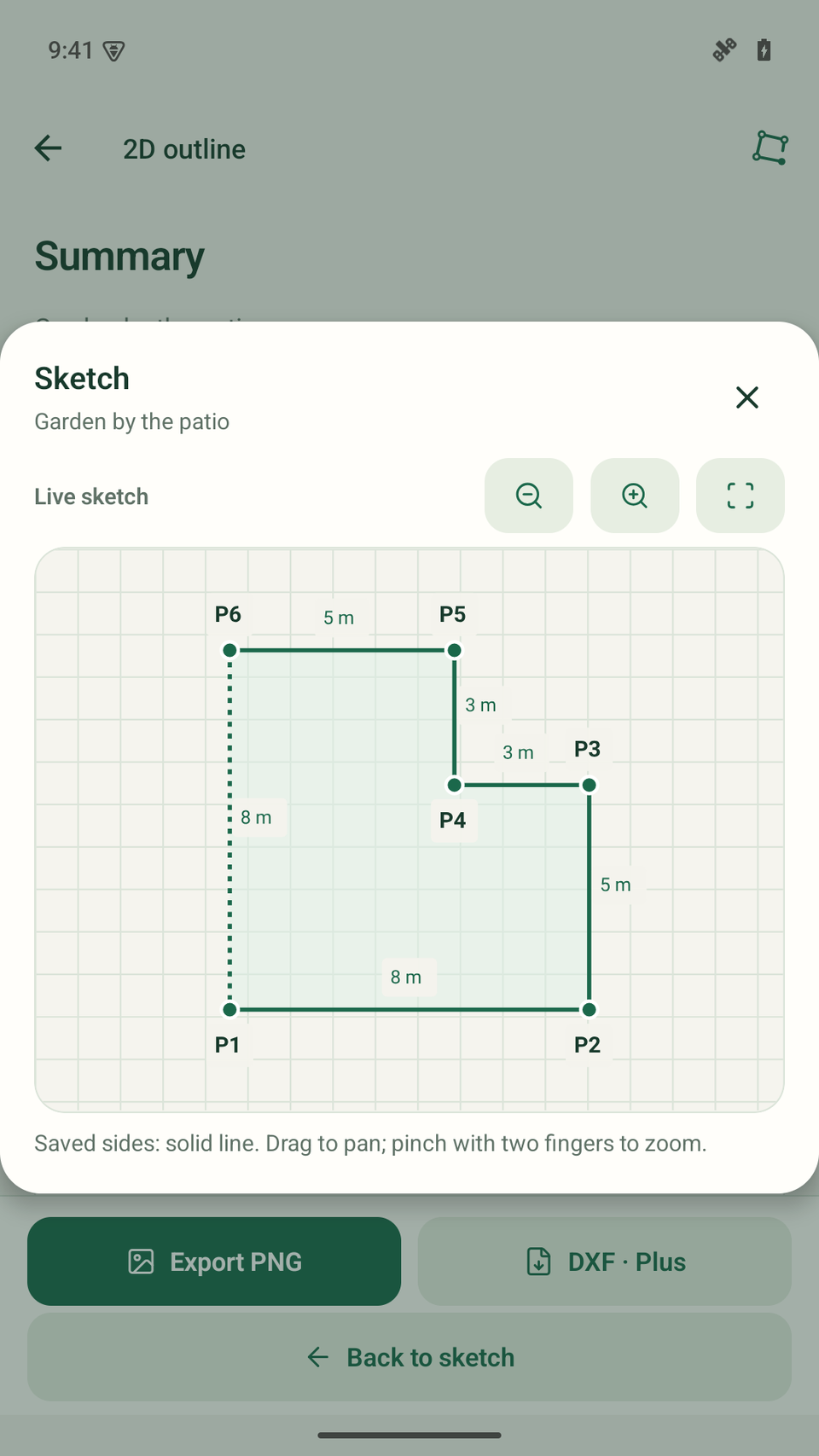

Capture the outline
Stand at a corner, save a direction and enter the next side’s length.
Your first sketch →2D sketches · Android
outlineGo is an Android app for 2D sketches with dimensions. Capture the directions and side lengths of your garden or patio, then use the sketch to plan your next steps.
Start with Free. PNG included, DXF with Plus.
Phone → file → computer
Stand at a corner, save a direction and enter the next side’s length.
Your first sketch →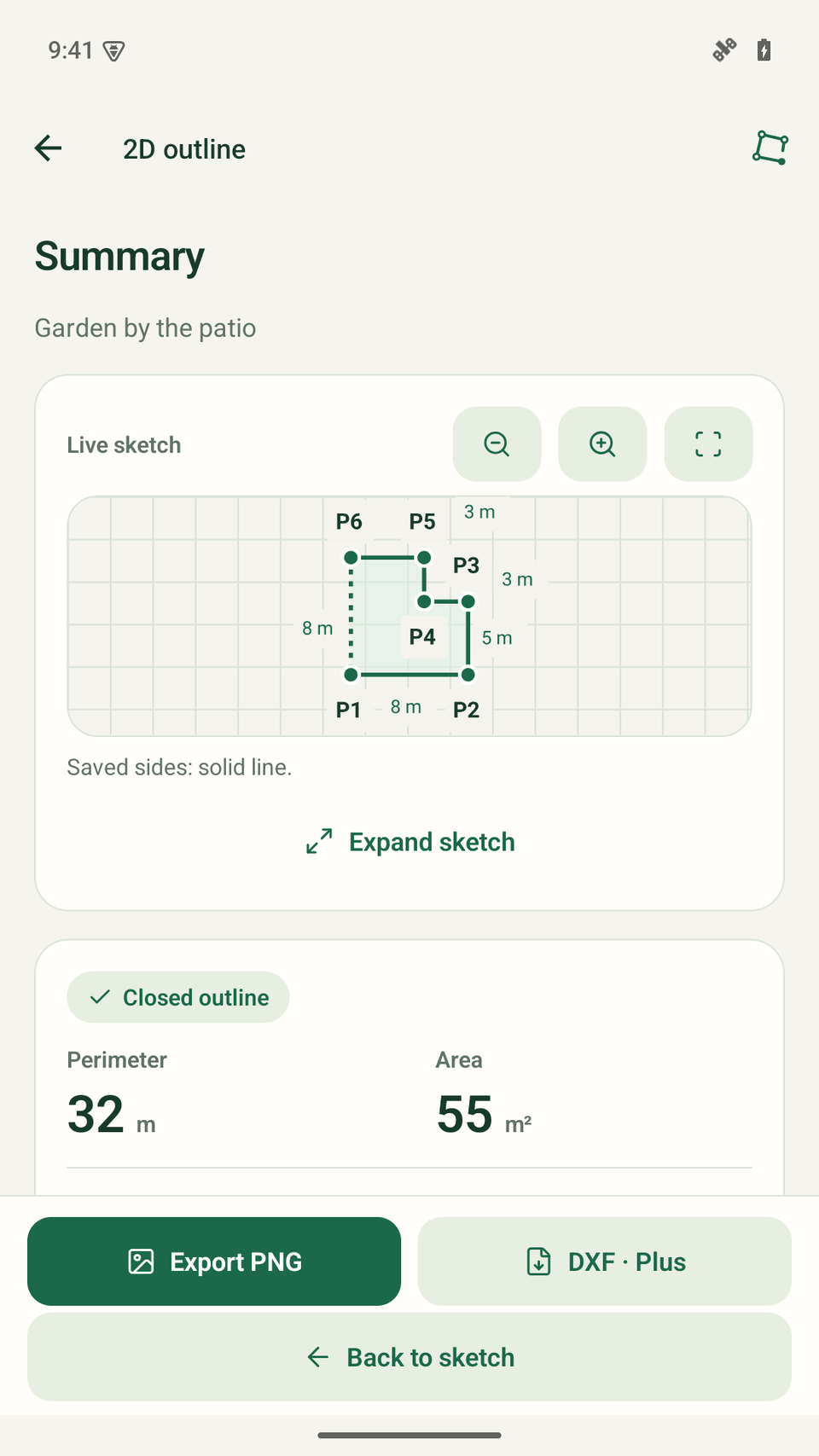
Check dimensions, add a note and prepare a PNG or DXF.
Explore the garden example →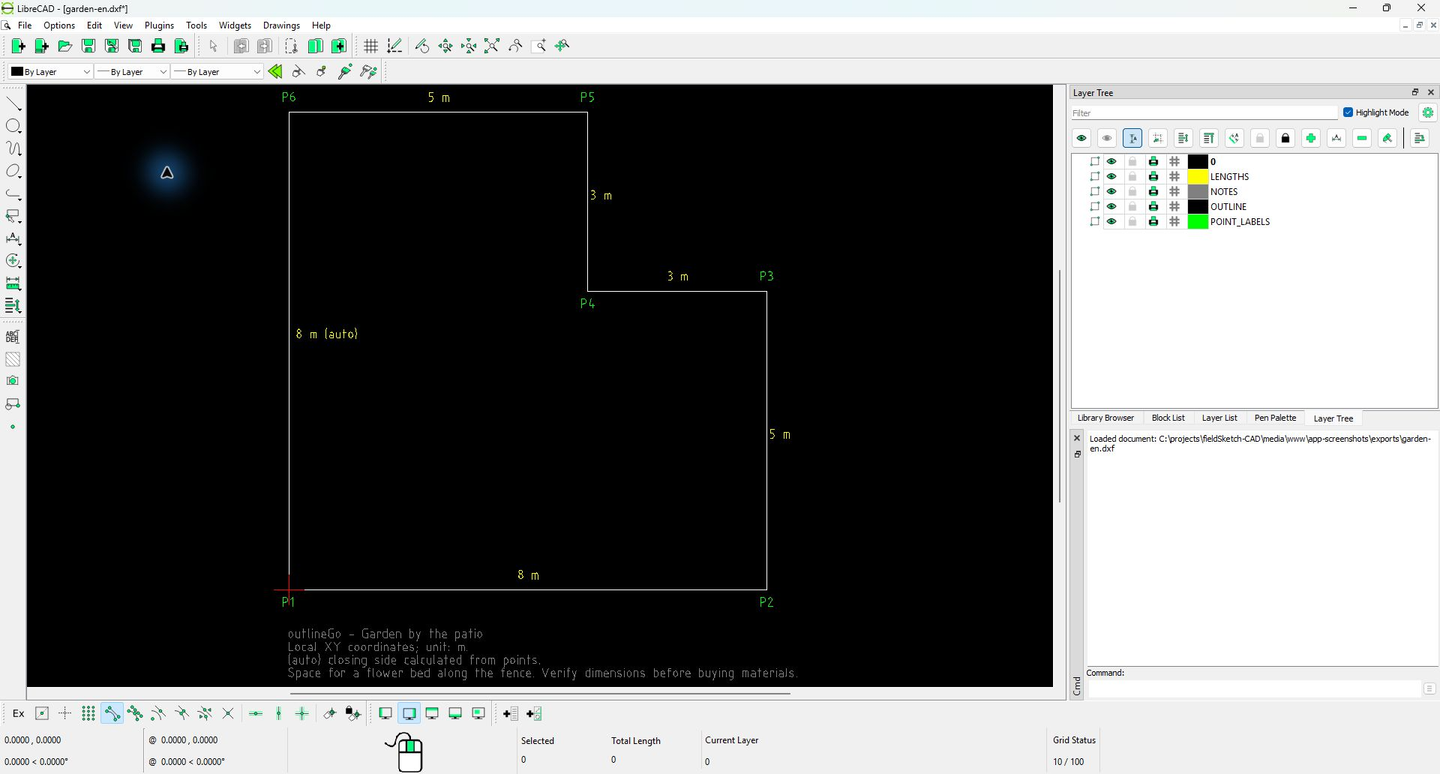
Open a DXF from Plus in separate CAD software and check its scale.
How to export DXF →The outdoor scene is an illustration. The app and LibreCAD screens are actual captures using demonstration data. LibreCAD is separate software.
Three actions, one more point
Read a direction with your phone or enter it manually. Enter a measured length or estimate it from steps. The preview helps you check the outline before saving the next point.
Follow the first-sketch guide →
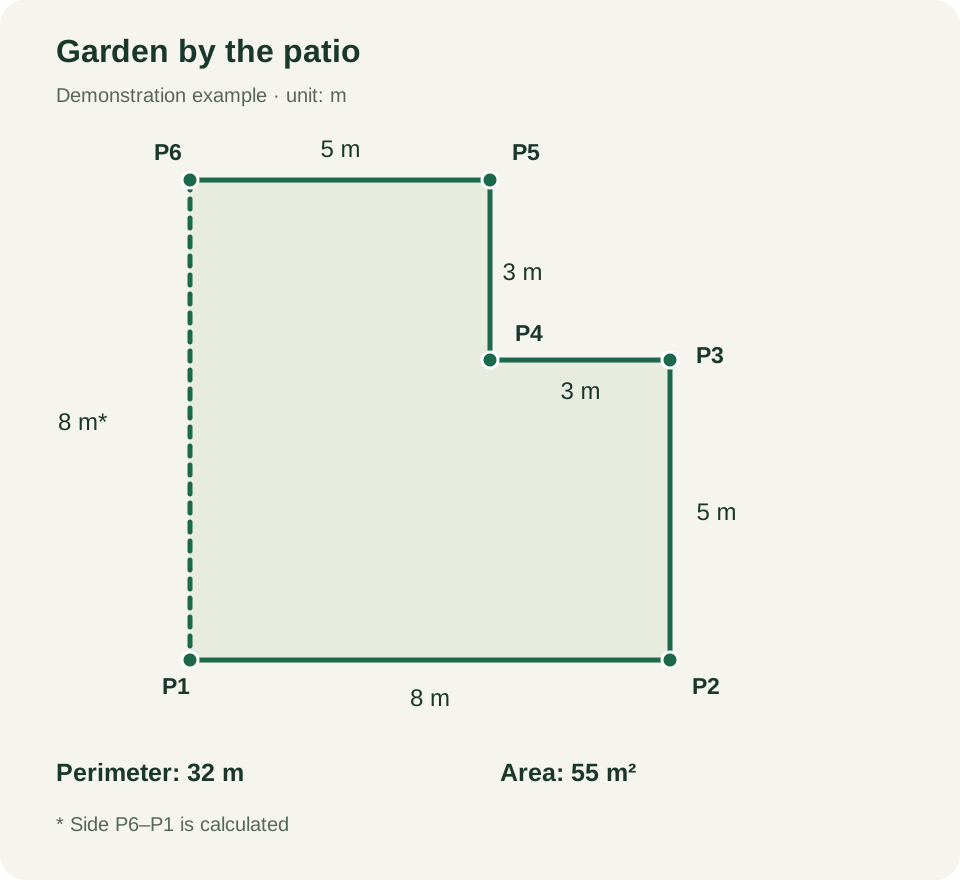
Use case · garden
An L-shaped outline, manually entered lengths and a note about a flower bed. Explore the finished sketch, see how it closes and download the result.
Explore the garden sketchFree / Plus
Measurements, notes and corrections are available in Free too.
| Feature | Free | Plus |
|---|---|---|
| Saved sketches | Up to 3 | No product limit |
| Points per sketch | Up to 8, including P1 | No product limit |
| Measurements, notes and corrections | Included | Included |
| PNG export | With watermark | Without watermark |
| DXF export | — | Included |
Plus is a one-time in-app purchase through Google Play, with no subscription. Price and availability are shown before purchase. Device storage and performance still apply.
No outlineGo account or cloud sketch upload. You choose when to export a file.
Return to saved sides, correct a length and add the details you want to keep with the plan.
Use manually entered lengths or step estimates. Check directions and the outline before taking the work further.
outlineGo / Android